
How real-time translation works
High level flow
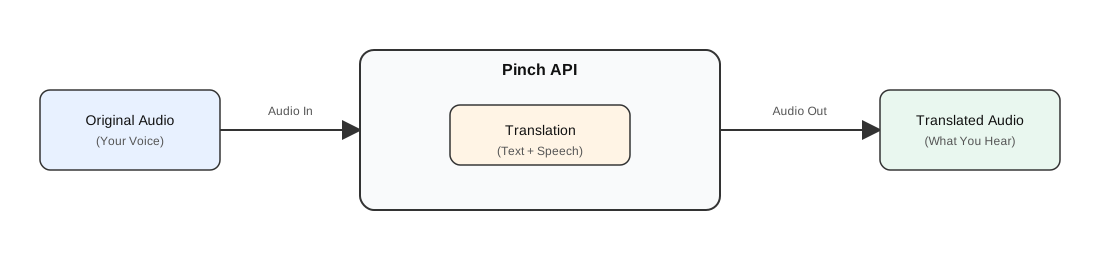
Think of Pinch as a live translation session.
1) You create a session
You tell Pinch what you want:
- source language (what you’ll speak)
- target language (what you want to hear)
Pinch returns a session you can connect to.
2) You stream audio in
Audio is sent in small chunks (frames).
Pinch processes it as it arrives.
3) Pinch streams results back
Pinch can stream back:
- translated speech audio (if desired)
- original and translated transcription messages as text
4) You play audio + stop when you’re done
When the user stops the session, the connection is closed cleanly.
Real-time voice cloning
When voice_type="clone", Pinch tries to return translated speech in the speaker’s voice - adapting tone and timbre as the user talks.
This is best when you care about:
- keeping the speaker identity consistent
- tone and vibe carrying across languages
- live translation that still feels like “the same person”
Latency basics
Live translation isn’t a single step. It’s usually:
- listen a bit → understand → translate → generate speech → stream out
Regardless of what model is used for these steps, we have to “wait” some amount of time to translate because of the differences in sentence structure between languages. For example, some languages will put the verb in the beginning, some at the end.
So latency depends primarily on:
- language pair complexity
- rate of speech (if you pause, like you would for a human interpreter, the model may understand and translate a bit faster)
- your network